
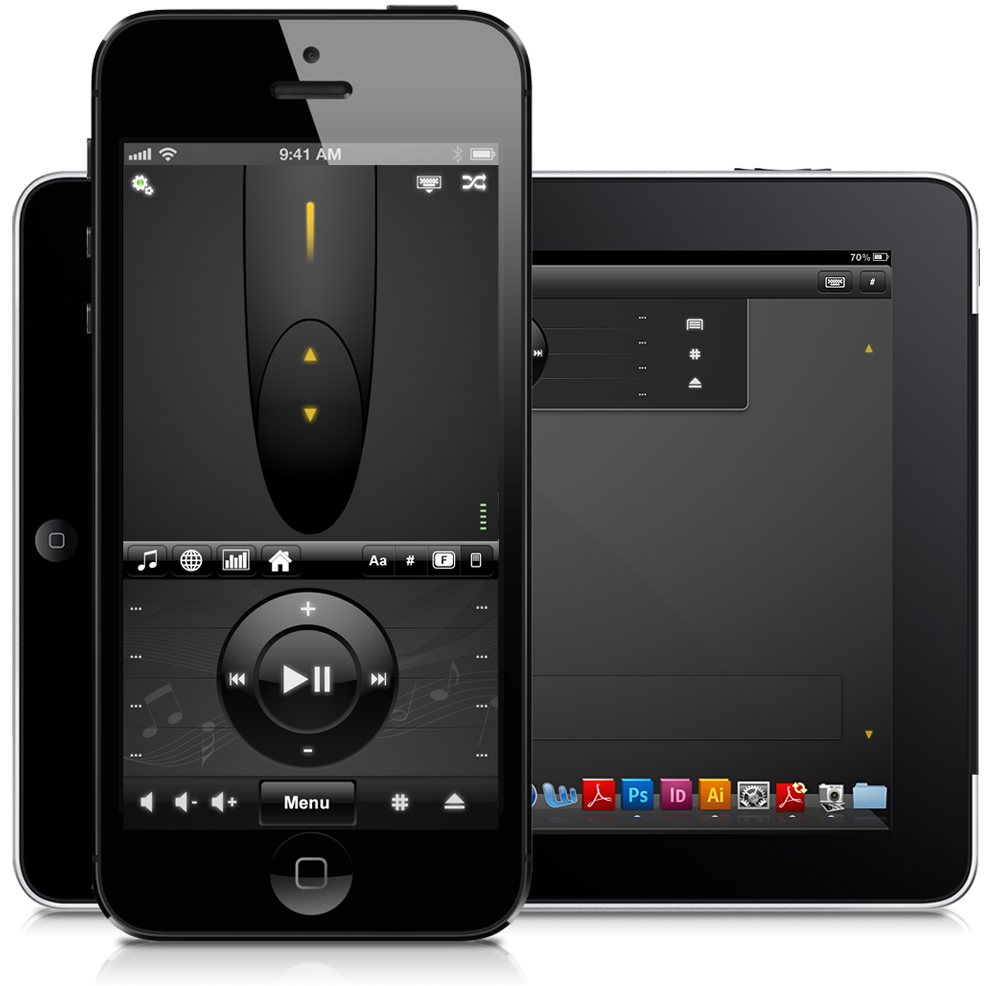

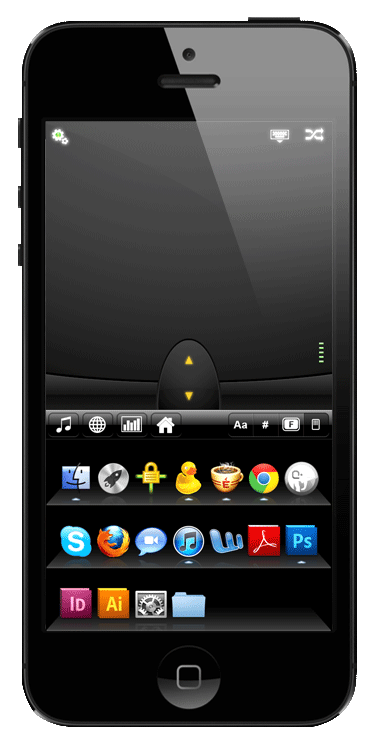
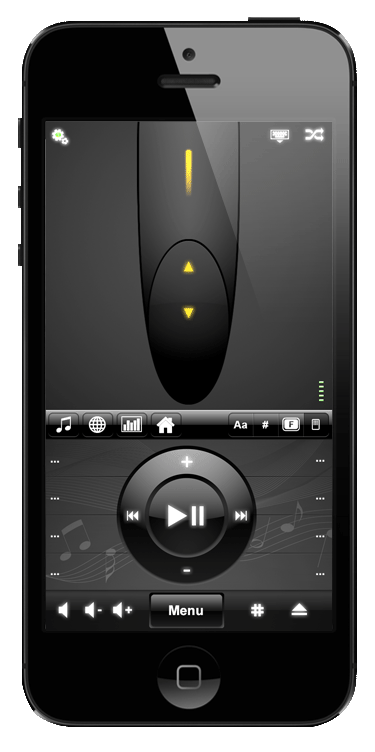
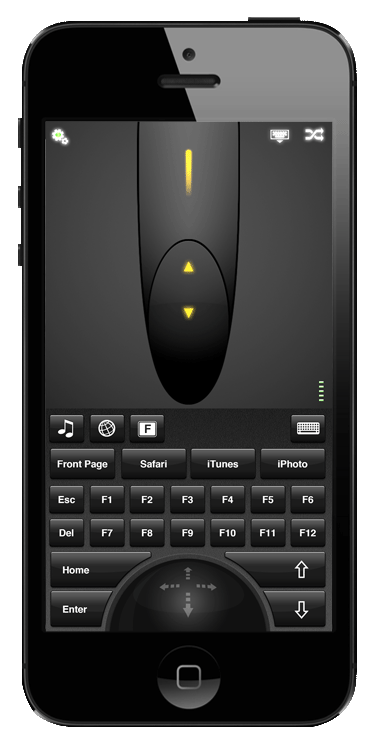
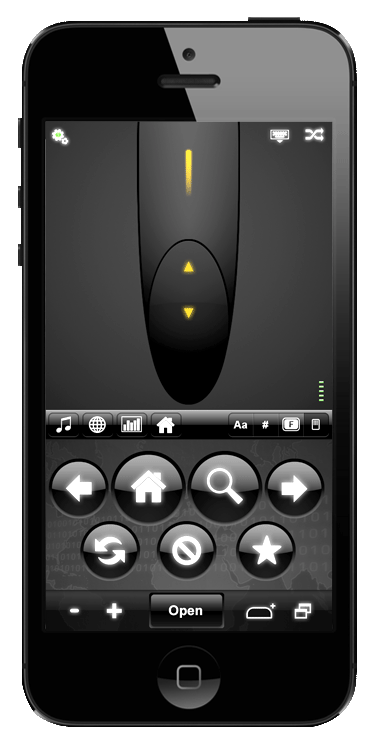
Our Mobile Mouse design requirement was to provide complete functionality in 4 clean interfaces never more than a click away. The trackpad never leaves the screen and retractable control panels allow for maximum trackpad space. Four simple control interfaces give users all the functionality they need: users select applications with the home panel, Music and video is controlled by the media panel, Web-surfing buttons comprise the browser panel, and users can navigate Powerpoint with the presentation panel.
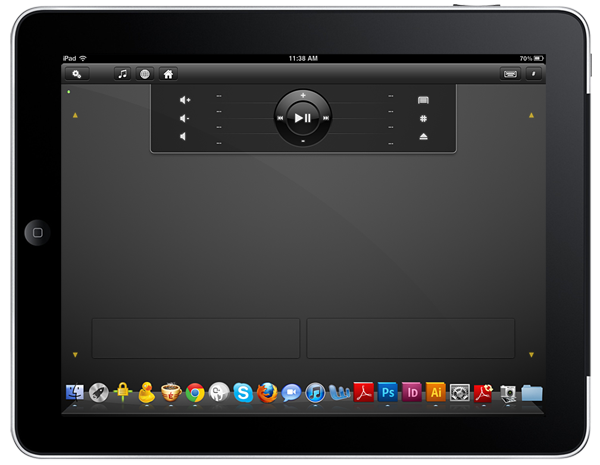
Following Mobile Mouse’s initial success, RPA Technologies asked us to redesign our phone UI/UX for a tablet. The application panel was moved to the bottom of the screen, the trackpad space was maximized and we added “right/left” mouse click buttons PC users are used to.
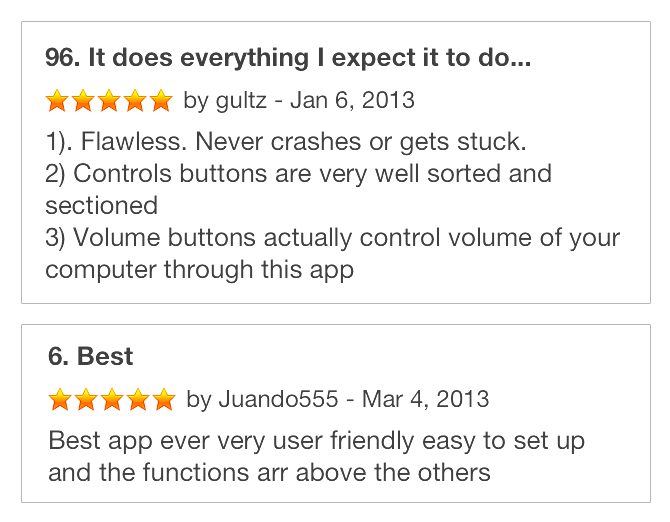
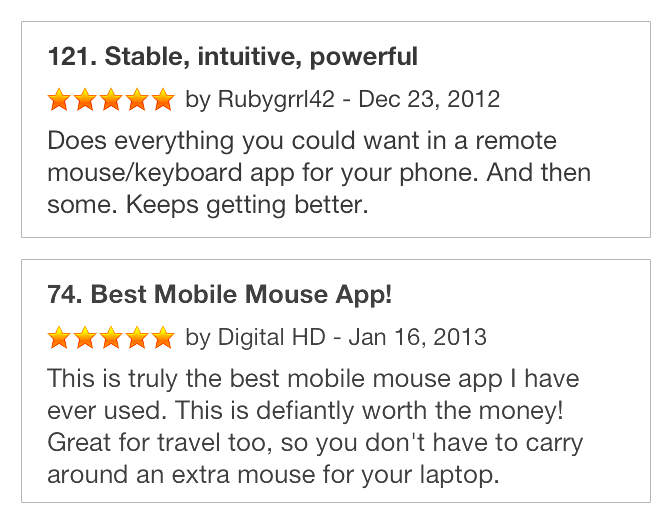
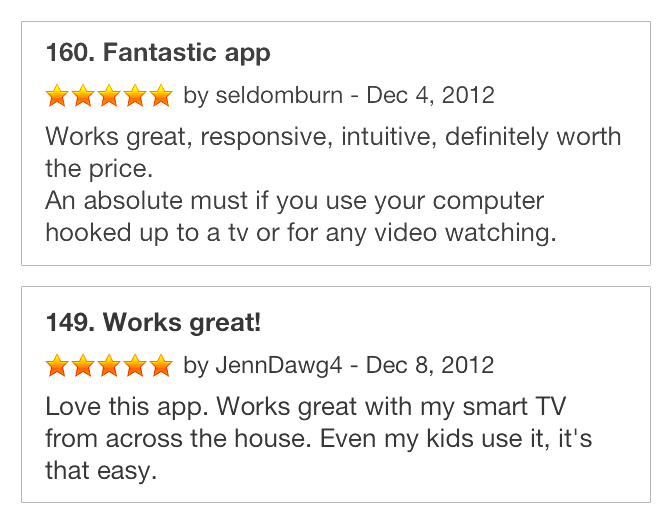
The phone and tablet versions of Mobile Mouse collected very positive reviews upon launch and remain on top-selling utility app lists. We continue to work with RPA technologies on interface updates.